Run your first self-hosted Seryvon audit
This Seryvon quickstart guides a developer through a small open-core evaluation: obtain the source, configure a local environment, create a report and inspect its coverage. The managed product is coming soon. Commands below follow the public CLI and Docker configuration; choose a public website you own or are authorised to inspect.
Prepare the environment
Install Git and Docker with Compose for the container route. For a direct Python installation, the project requires Python 3.12 or later. Keep the repository revision with your evaluation notes because the implementation is tracked from the public v1.0.0rc4 release.
git clone https://github.com/seryvon-com/seryvon.git
cd seryvon
Copy .env.example to .env. On PowerShell, use Copy-Item .env.example .env; on a POSIX shell, use cp .env.example .env. Review its configuration before starting services. Keep provider secrets out of committed files.
Start the Docker application
docker compose up --buildThe Compose file defines a one-shot migration service and waits for it before starting the API. It also starts PostgreSQL, Redis, a web interface and separate workers. The configured local web interface is at http://localhost:3000, and the API is at http://localhost:8000. These are local endpoints, not Seryvon's hosted service.
The API's key check is inactive when SERYVON_API_KEY is empty. Read the security guide before exposing services beyond your machine. The supplied database settings are development settings; coordinate database credentials across services when changing them.
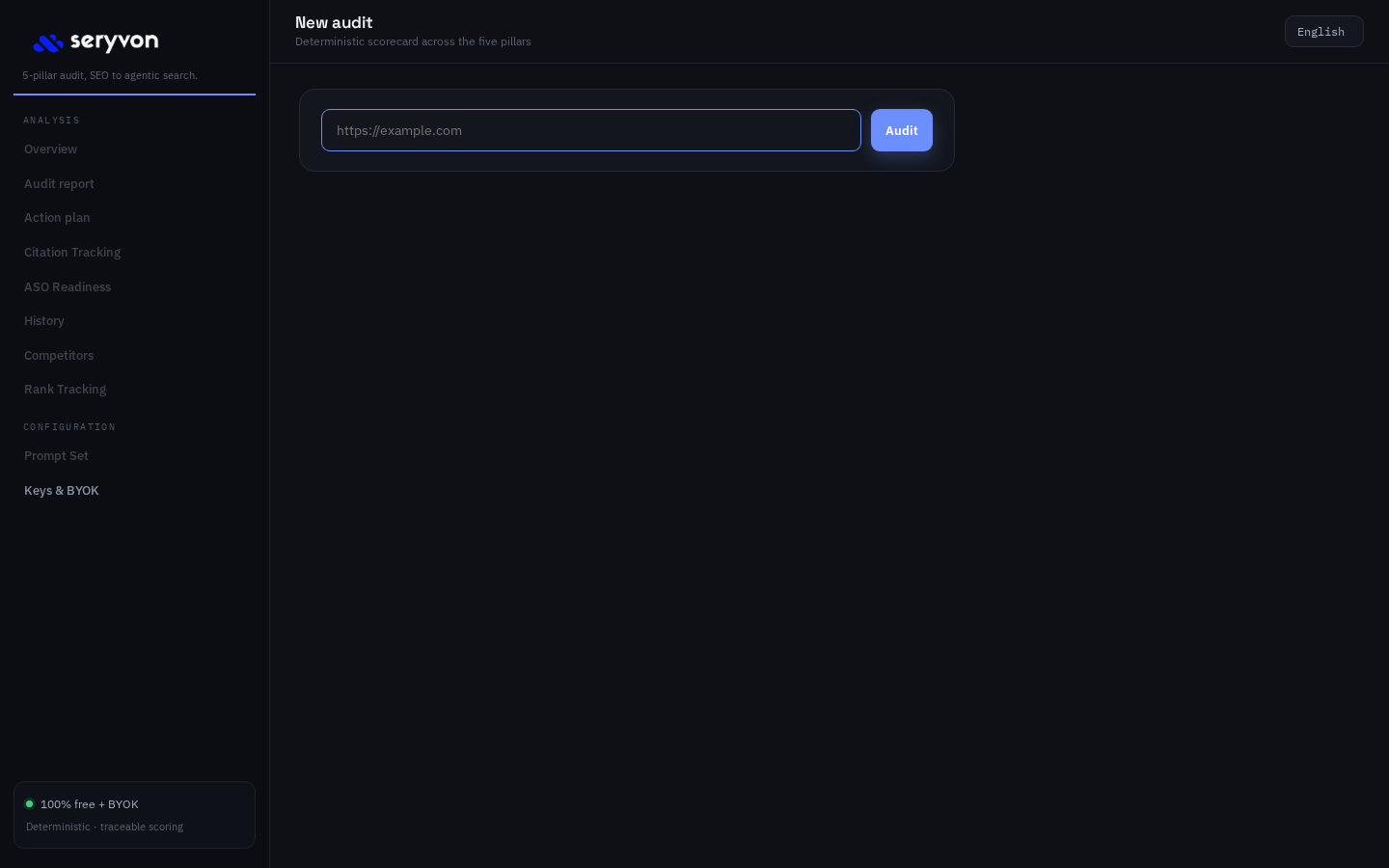
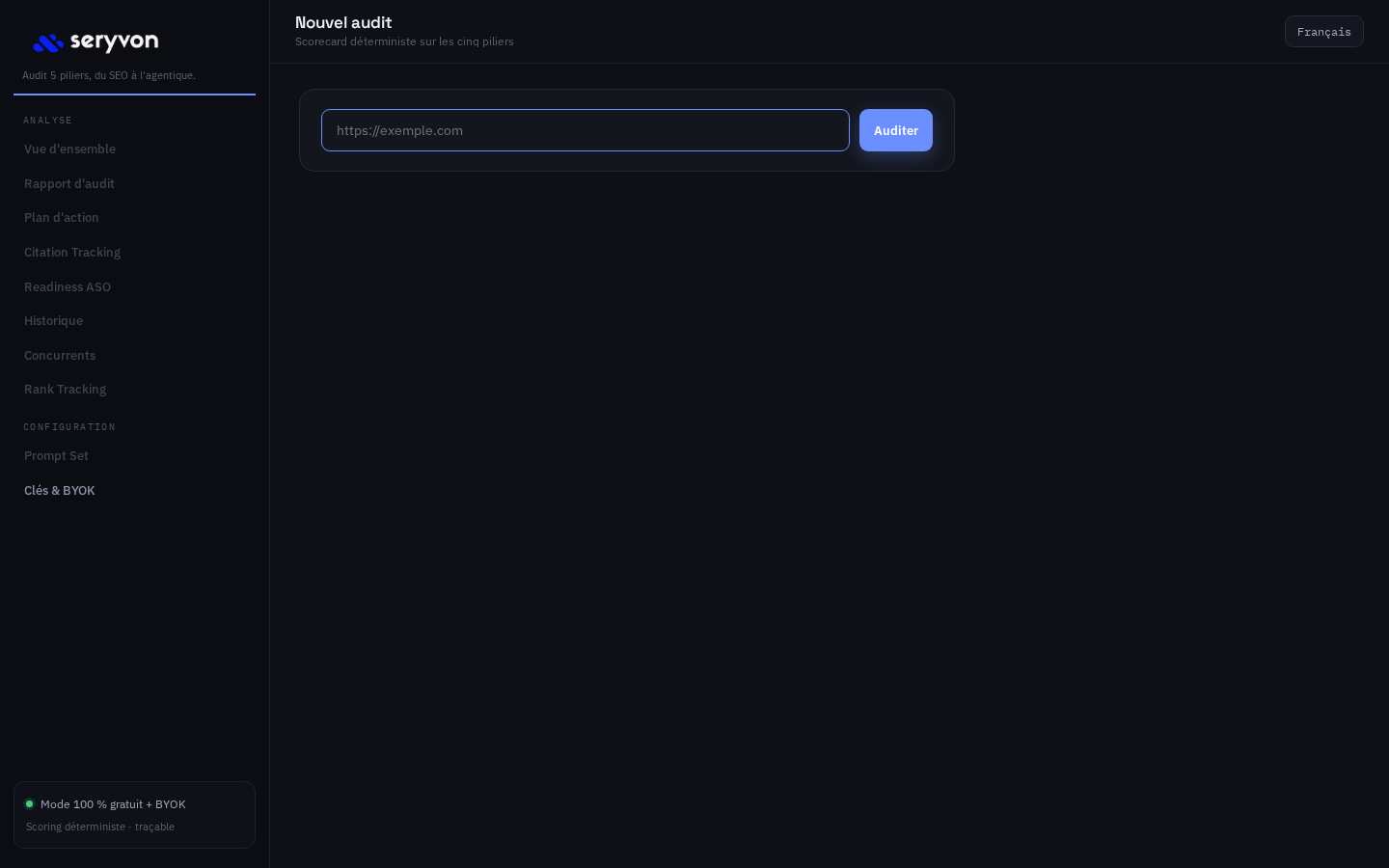
localhost:3000.Produce a small baseline report
From the repository directory, run the CLI inside the API service container:
docker compose run --rm api seryvon run https://example.com --format json --quietReplace the example URL with your authorised target. For a direct Python installation, create and activate a virtual environment, install with pip install -e ".[dev]", then run:
seryvon run https://example.com --format html --output audit.html
seryvon run https://example.com --format json --output audit.json
These two commands make separate audits. Do not assume that their live inputs will be identical. Use the supported --format both option when you need JSON and HTML from one run. Container output files remain inside the container unless you configure a volume; use stdout for the first container evaluation.
Control scope and optional measurements
The CLI accepts --config for an audit YAML file. The default crawl allows 300 pages and depth three, with robots handling enabled. Start with a smaller scope for a first evaluation. External providers are optional and require their own credentials where applicable.
seryvon citations https://example.com --dry-run
seryvon aso https://example.com
The citation dry run is a planning step for provider usage, not proof of a collected citation. Inspect the command help for the prompt and provider options supported by your revision. Add keys deliberately and review expected cost before making live provider calls. Browser rendering also requires its optional runtime and configuration.
Inspect the output before comparing scores
Read errors, coverage and unmeasured criteria first. Check the URLs reached, evidence behind important findings and measurement profile. The current pillar calculation includes a coverage adjustment, so absent data can lower a score. Use the methodology and worked report example to interpret it.
CLI persistence is opt-in with --persist and requires PostgreSQL. The history command reads persisted audits. Raw artifact persistence depends separately on the configured storage backend. Keep those distinctions in mind before relying on a disposable local environment for long-term evidence.
Reference: CLI options, Compose services and known limitations. For managed access, contact Seryvon with your intended workflow.